
Remac smart curtains set M1
Description
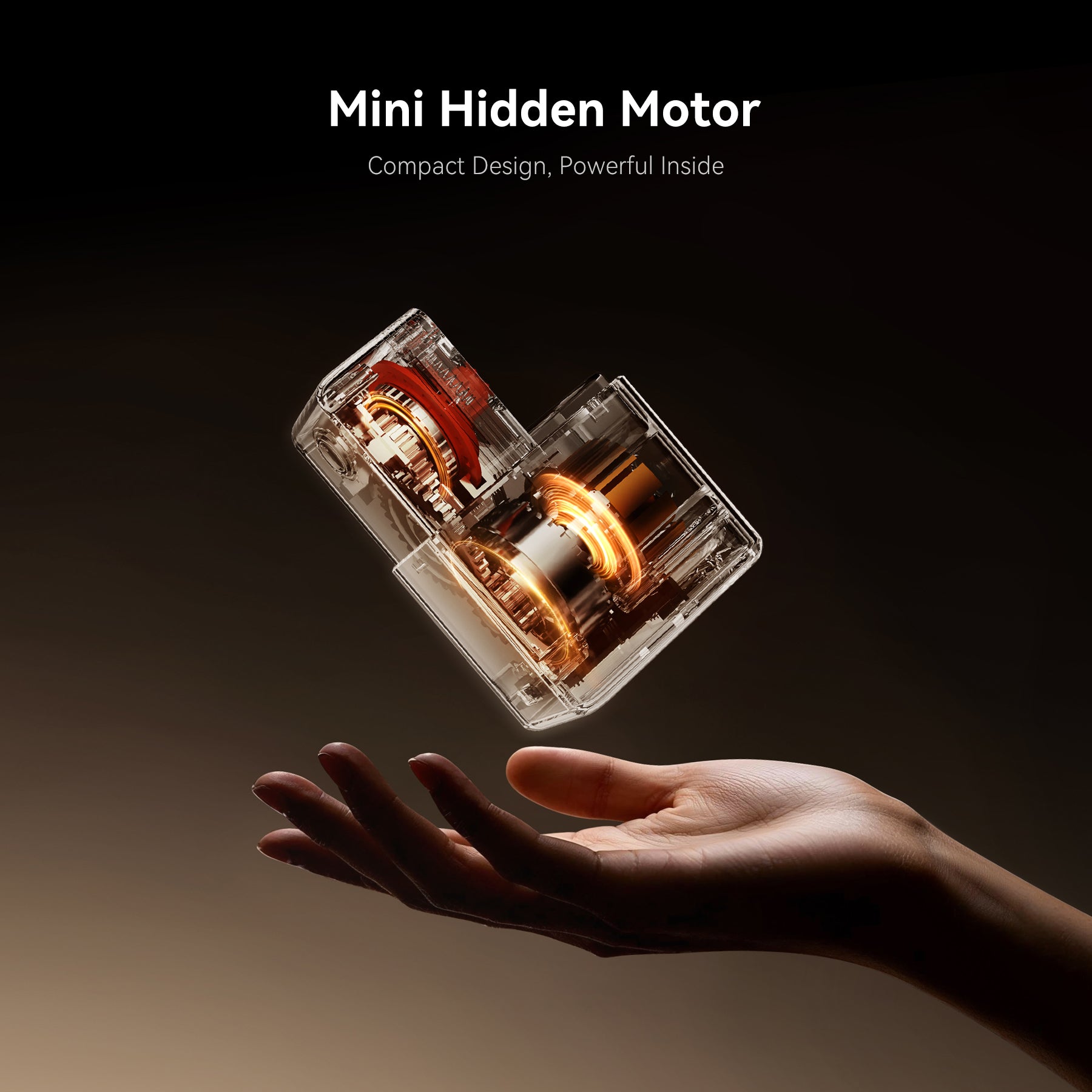
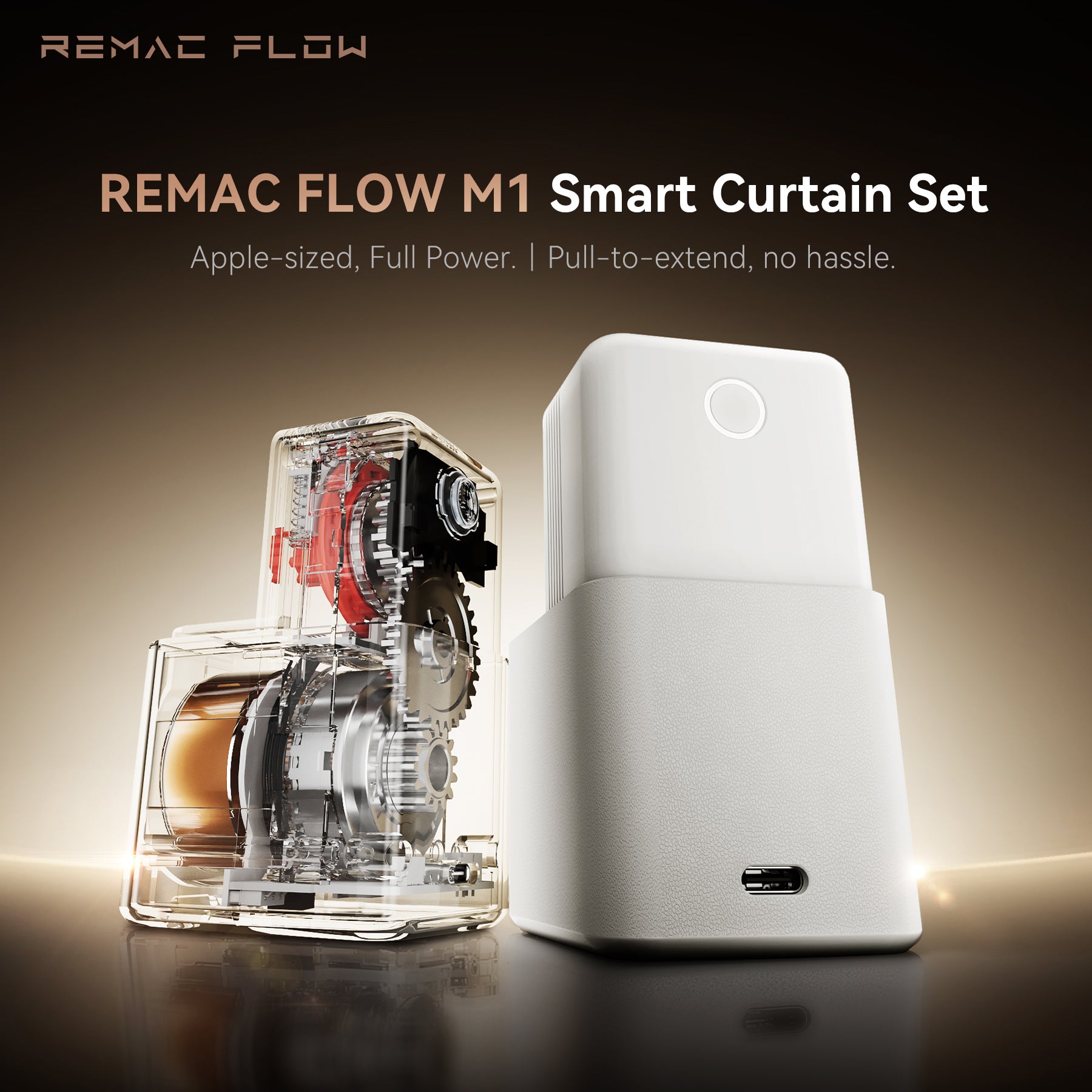
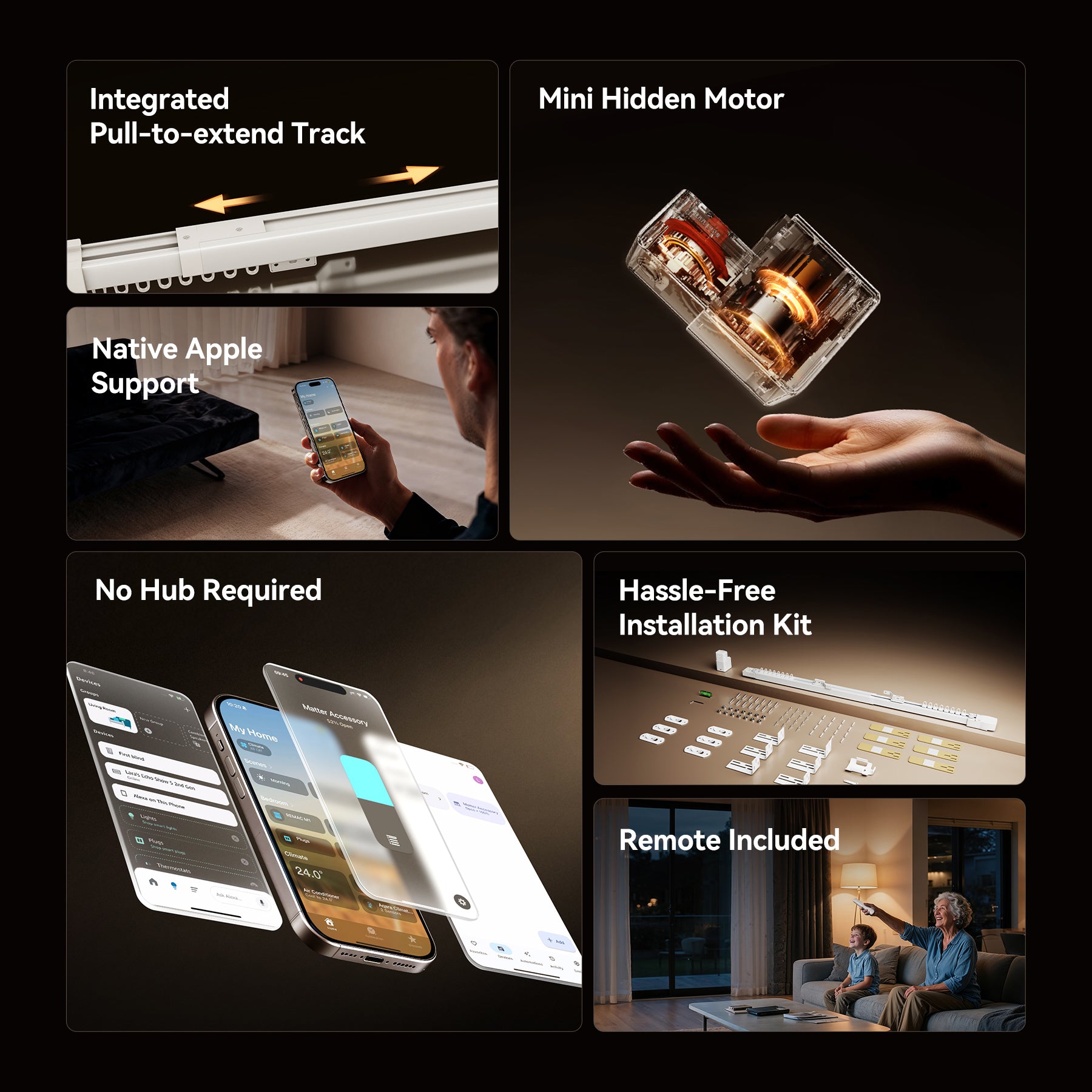
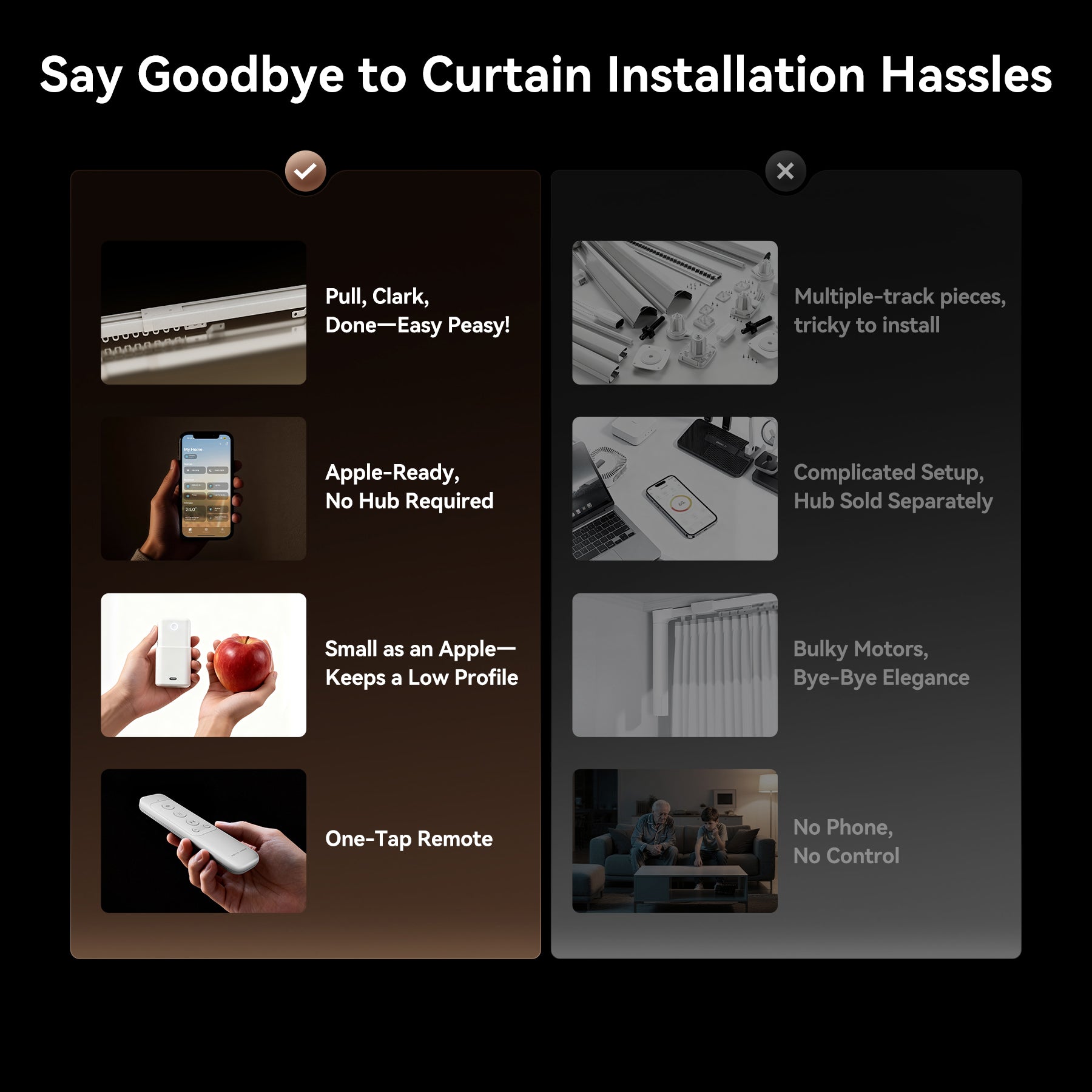
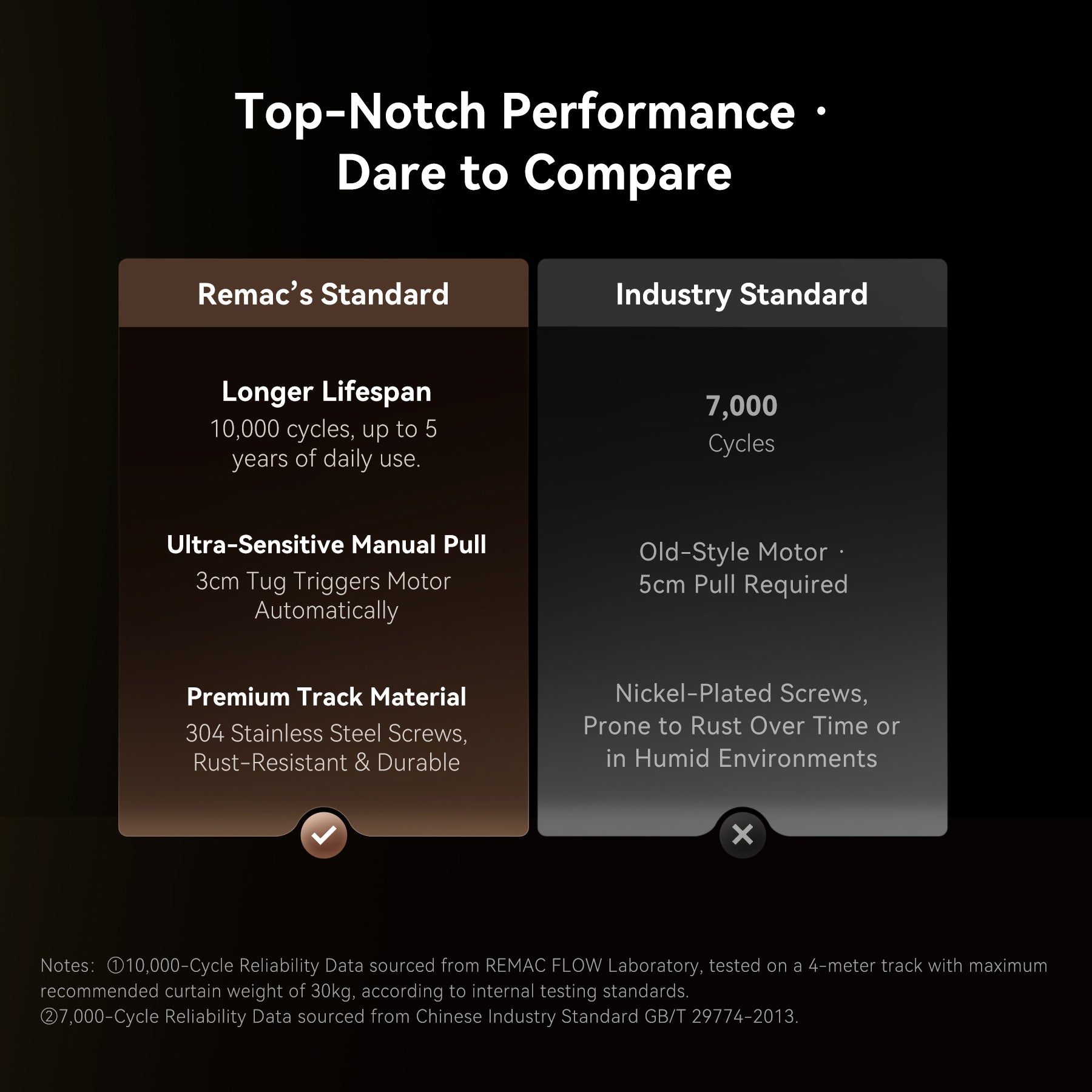
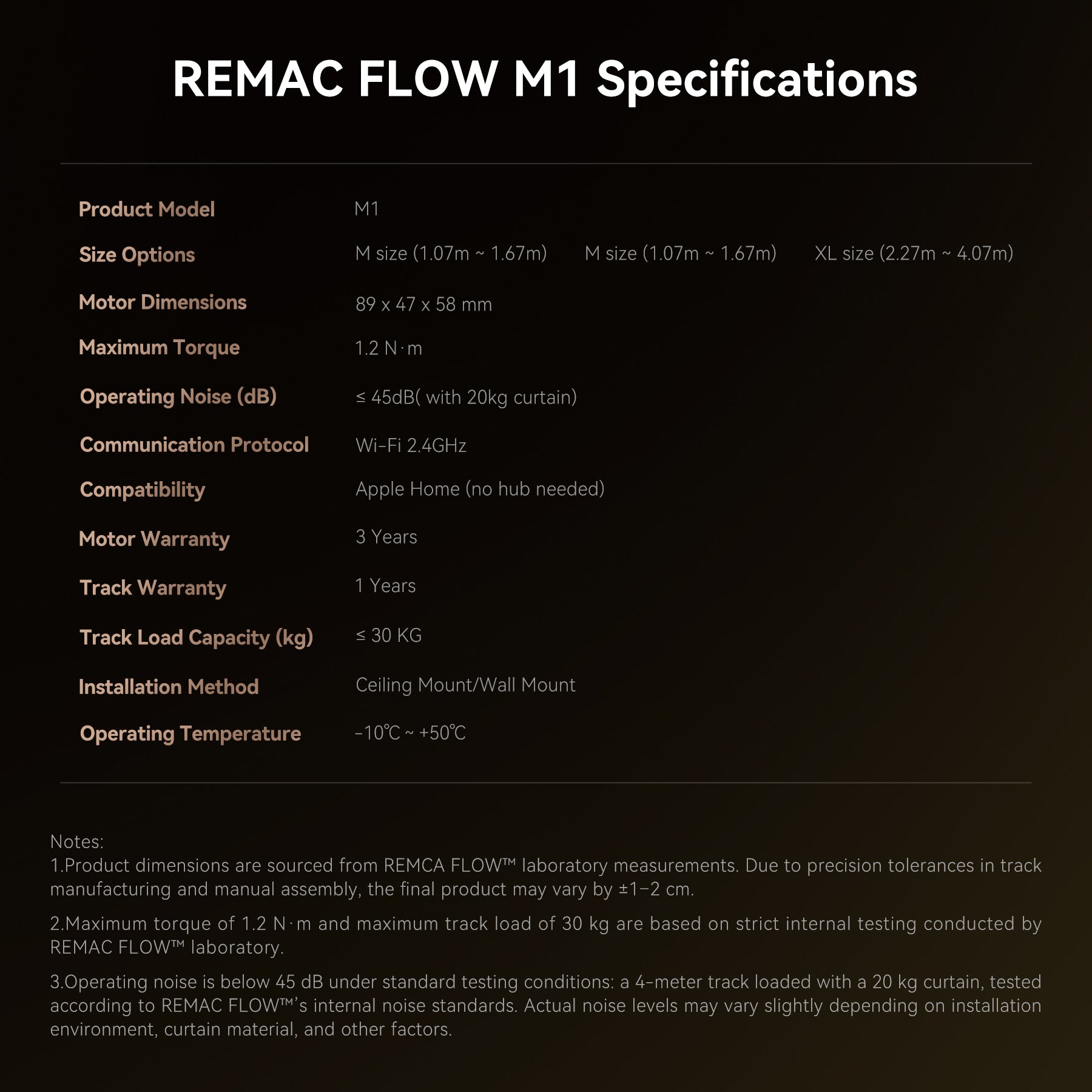
【Apple’s Size · Full Power Mini Moter 】Compact Design,with more power inside.Mini Motor Size 89×47×58 mm — only 1/4 the size of traditional motors.Torque 1.2 N·m. Load capacity: up to 60 kg.
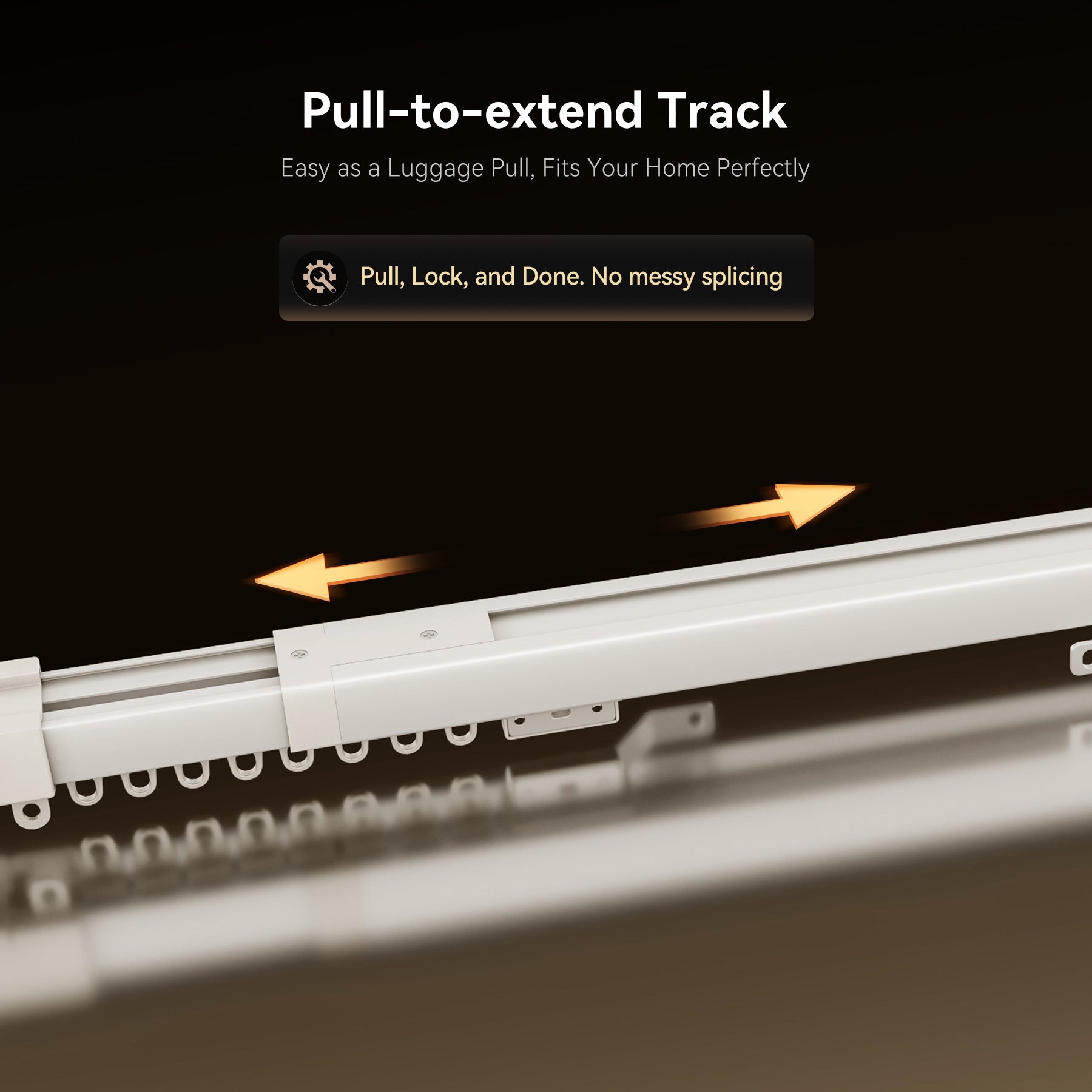
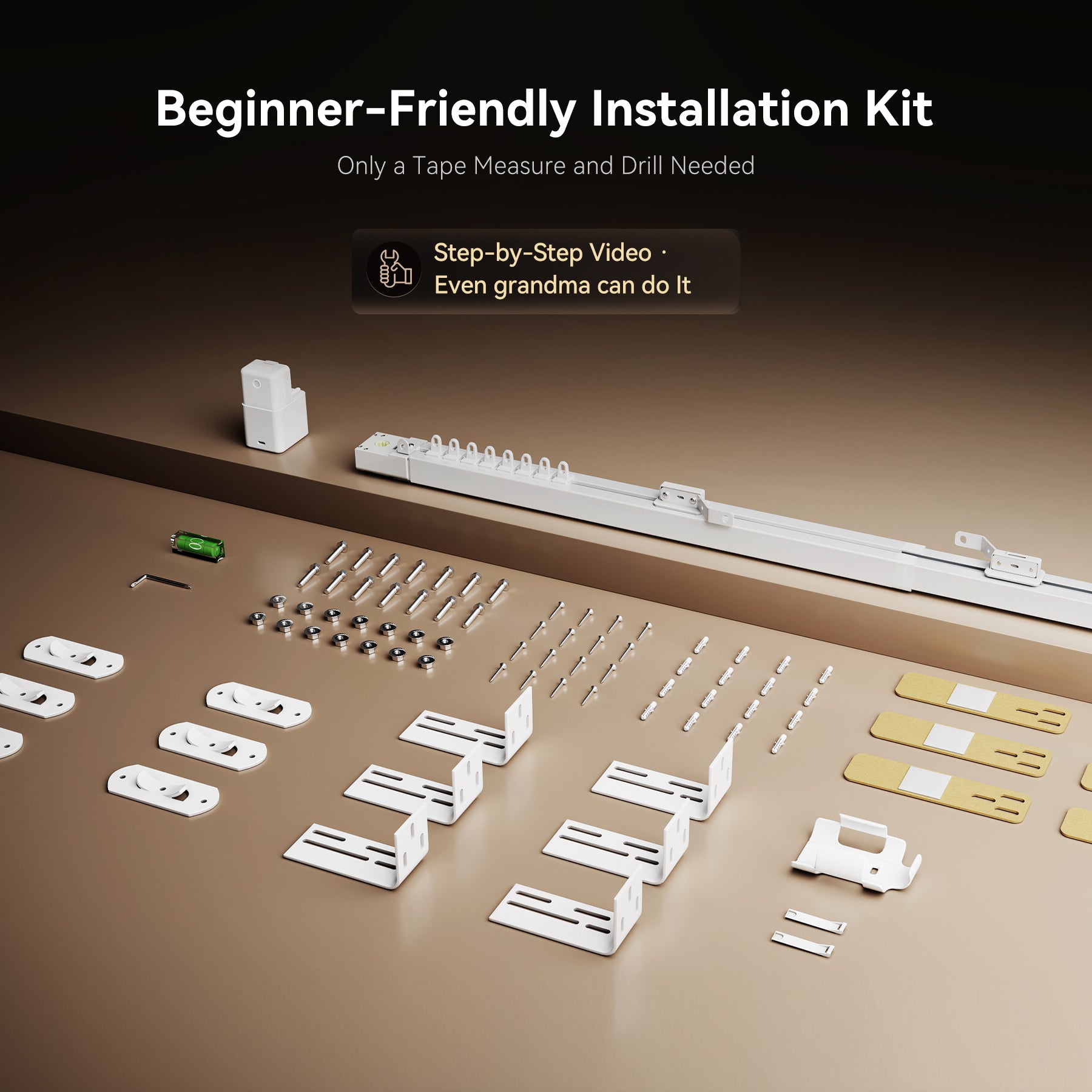
【Pull, Snap, Done】Forget messy splicing. Our Pull-to-Extend Track adjusts in seconds, fitting your window effortlessly.No cutting. No measuring. Just extend, snap, and go.
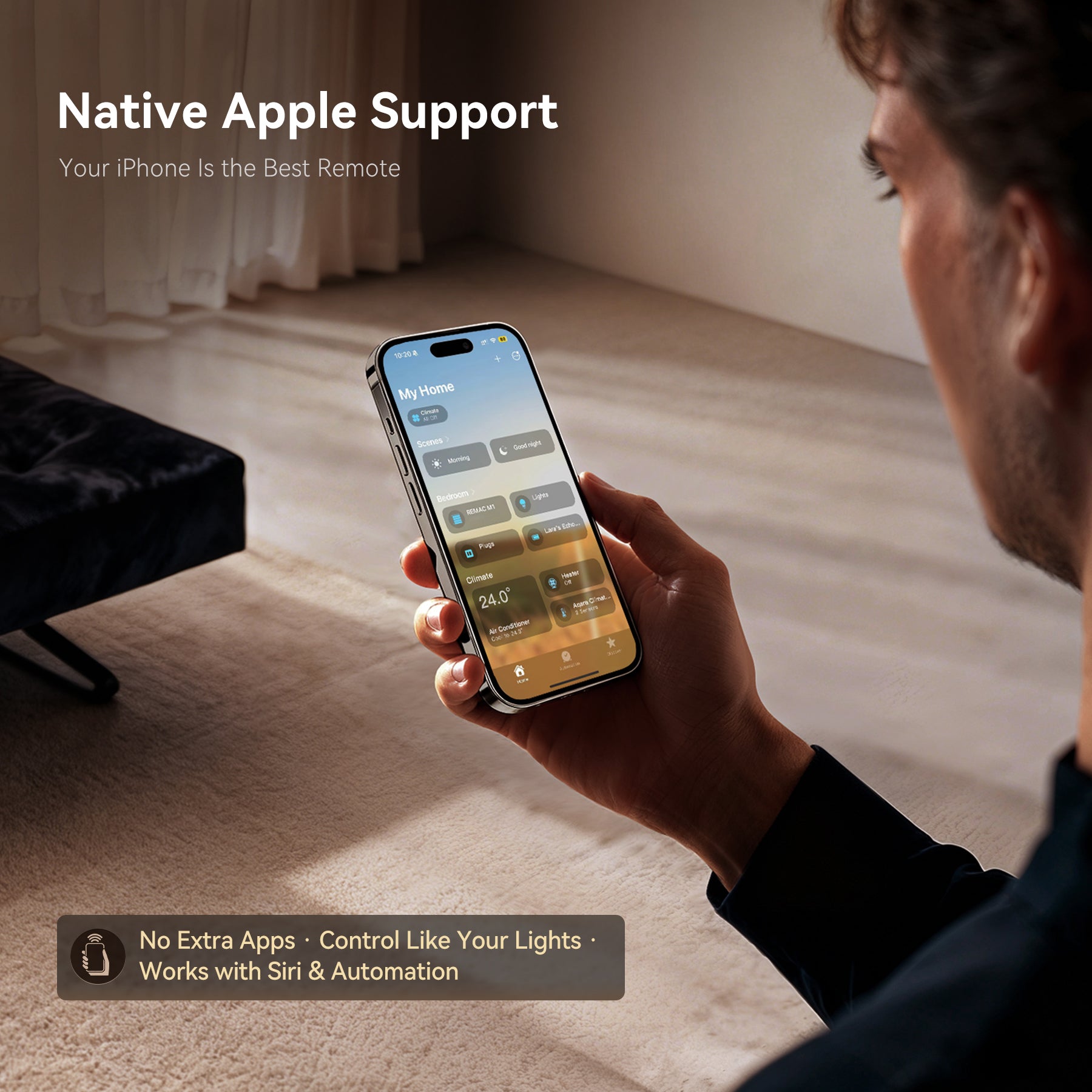
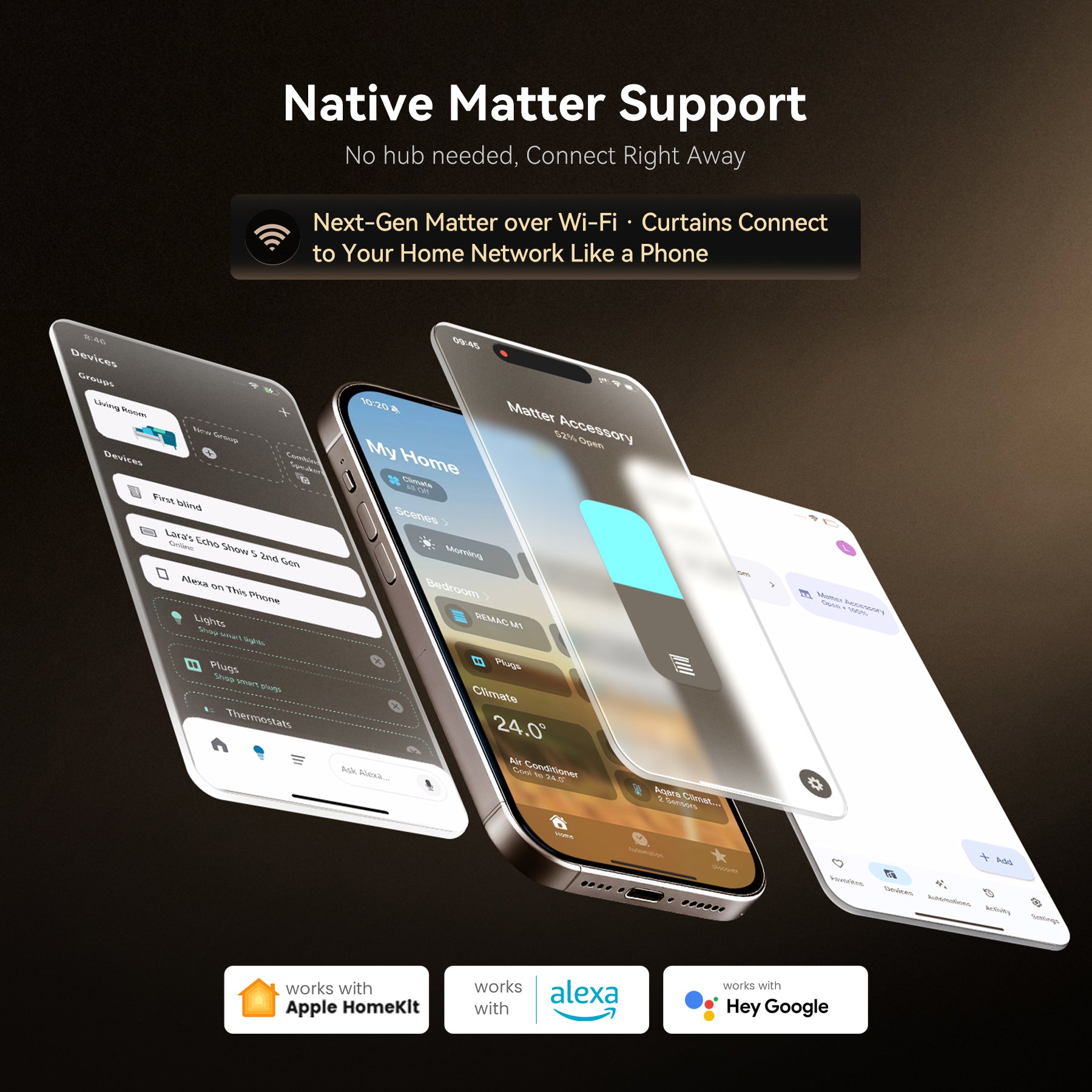
【iPhone Ready & No Hub Needed】No hub required — connect instantly with your iPhone for a seamless Apple Home experience.One-step Apple Home pairing via iPhone.Matter-ready for Alexa, Google Home and more.
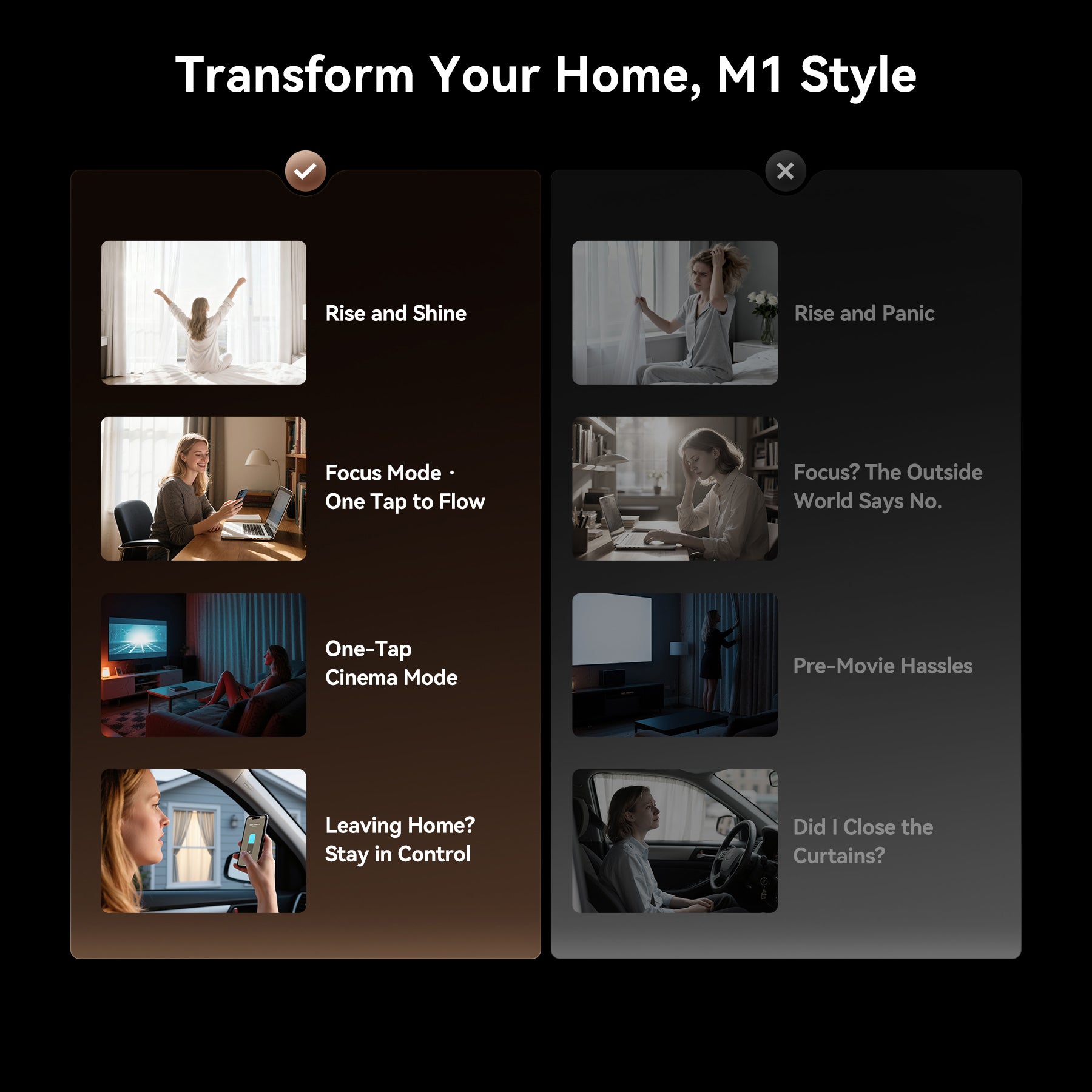
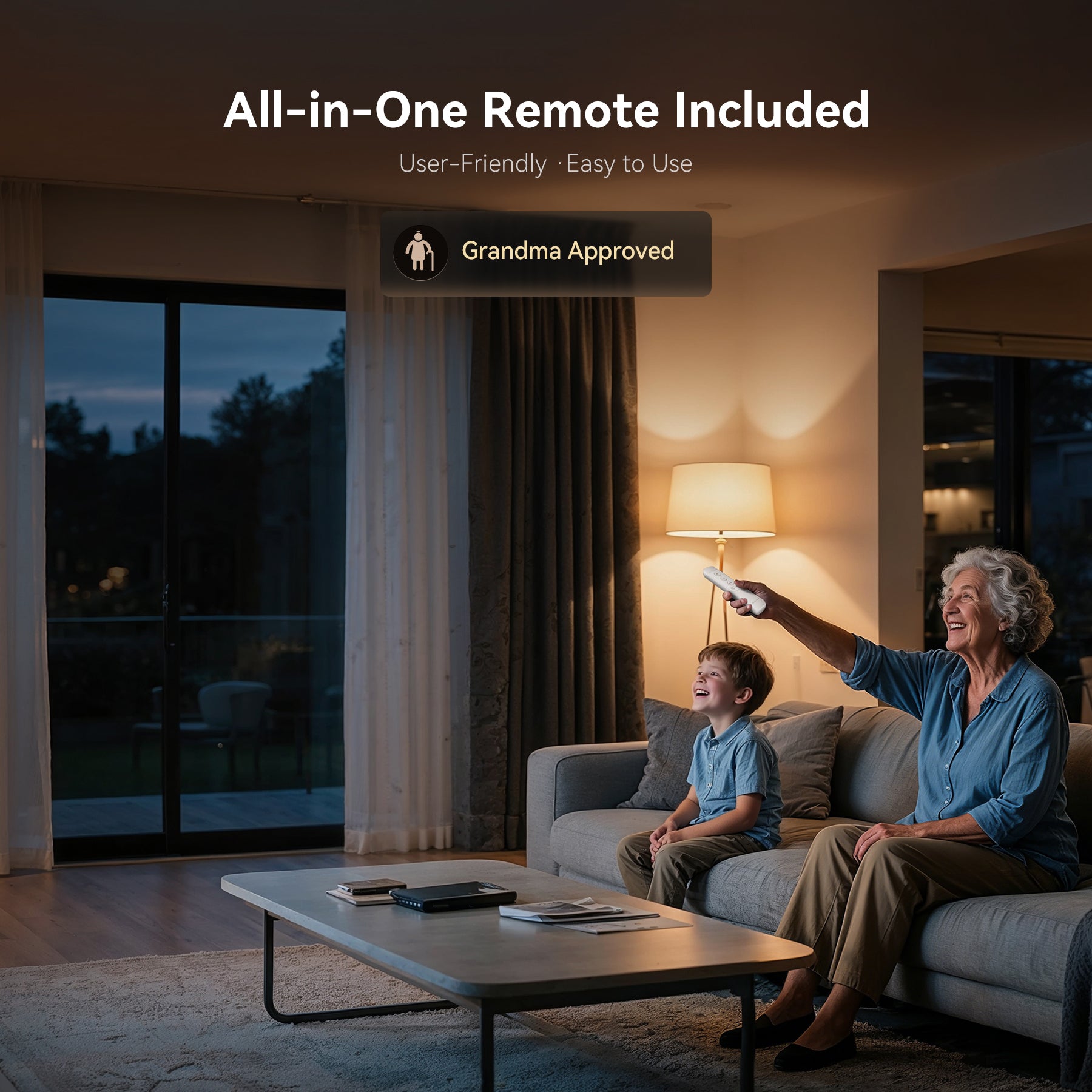
【Smart Control Your Way】Control your curtains your way — voice/app/remote/ manual, or a simple pull. Multiple control options: voice/app/remote/manual/pull-to-start.
【Sleek & Invisible】A seamless motor-track design that blends naturally into your window frame, keeping your space clean, minimalist, and elegant.
Compatibility&Installation
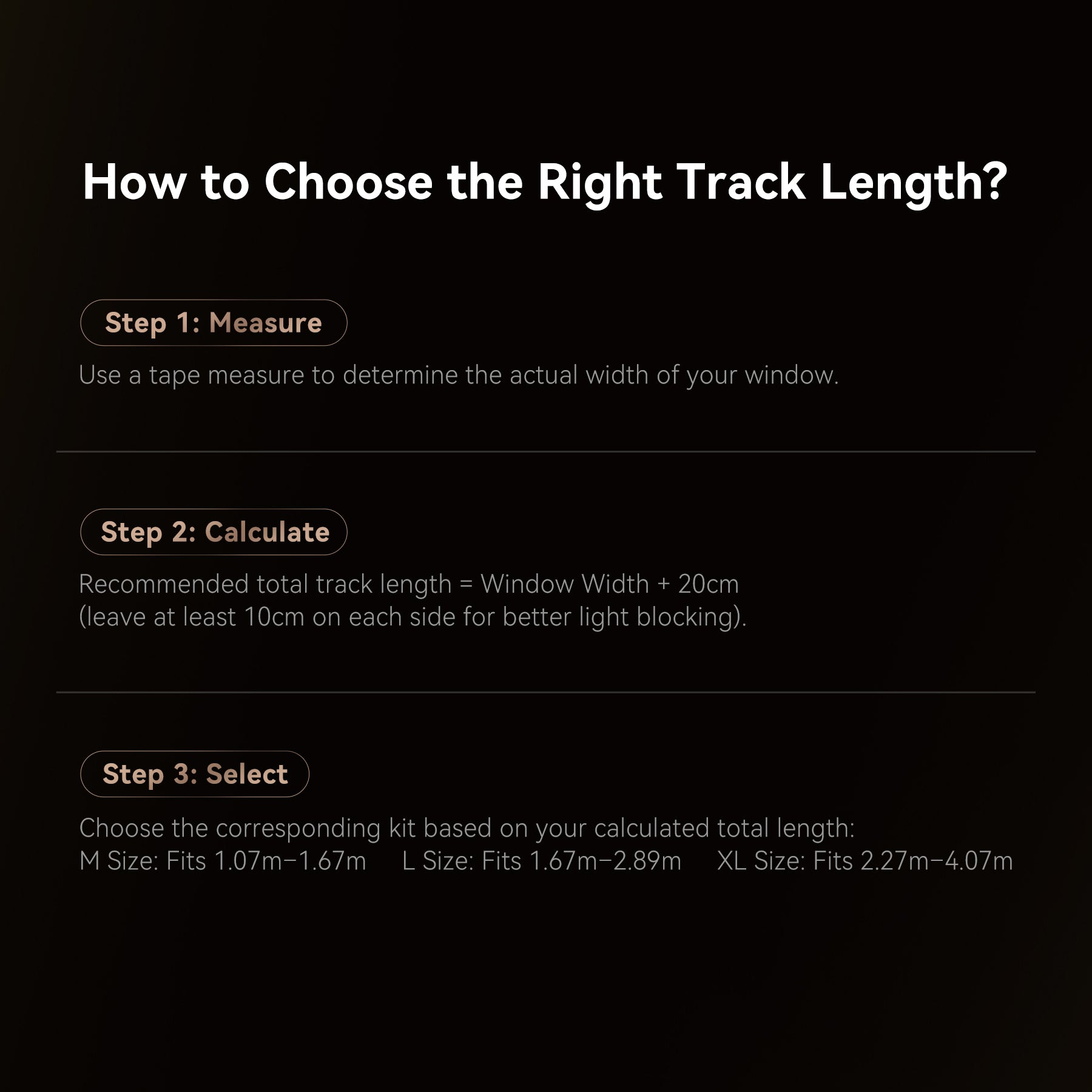
Choosing the Right Size for Your Curtain:
For precise measuring instructions, please visit the product details page.
Size
M
L
XL
Telescopic curtain track length(meters)
1.07~1.67m
1.67~2.89m
2.27-4.07m
Telescopic curtain track length(inch)
42.13~65.75in
65.75 - 113.78in
89.37~160.24in
Warranty
The motor has a 3-year warranty, and the entire machine has a 1-year warranty.
Sales Assurances

Guaranteed Safe Checkout


FAQs
Which smart home platforms does it support?
The M1 supports full control across all major smart home ecosystems. It natively integrates with Apple HomeKit via Matter and also supports Amazon Alexa and Google Home. You can control it using your preferred voice assistant or home app.
Can I set the curtains to half-open or any specific position?
Absolutely. You can achieve precise control in two ways:
1. Remote Shortcuts: Use the remote for one-touch control to 50% or 75% open.
2. App/Voice Control: Use the Apple Home, Alexa, or Google Home app to drag a slider or use voice commands (e.g., "Hey Siri, open the curtains to 30%") for granular adjustment from 1% to 100%.
Can I set scheduled opening/closing?
Yes, definitely. You can set schedules within the Apple Home, Alexa, or Google Home apps.
Can I operate the curtains manually during a power outage?
Yes, absolutely. During a power outage or when the motor is not powered, you can open and close the curtains manually just like traditional curtains. The operation is smooth and will not damage the motor. Once power is restored, the motor automatically resumes smart control mode.
How do I adjust the length of the telescopic track?
Follow these two simple steps to adjust the track length easily:
1. Adjust Main Track Length:
a. Loosen screws ① and ② on the track's back (no need to remove completely).
b. Slide the telescopic section to the desired length.
c. Tighten screws ① and ② firmly to secure the track.
2. Calibrate Internal Pulley Travel:
a. Loosen the two screws on pulley ③ on top of the track (no need to remove completely).
b. Push the pulleys on both ends to the far left and far right ends of the track.
c. Firmly tighten the two screws on pulley ③.